
A Google Business Profile actively costs you customers when it has outdated hours or contact information, unanswered negative reviews, a missing or wrong category, or no recent photos and posts, each of these causes real customers to give up and call a competitor instead, not just a missed ranking opportunity.
The Warning Signs to Check Right Now
Run through this quick self-audit, it takes about 15 minutes:
Hours and contact info: Are your hours accurate, including holiday hours? Is your phone number current? A customer who calls during "open" hours and gets no answer rarely tries again.
Primary category: Is it the most specific, accurate category for your core service? The wrong category can mean you simply do not show up for the searches that matter most.
Reviews: Do you have unanswered reviews, especially negative ones? A potential customer reading an unaddressed complaint from six months ago sees a business that does not care.
Photos and posts: When was your last photo uploaded? Your last post published? A stale-looking profile signals an inactive business, to both Google's algorithm and to real customers scrolling through your listing.
Consistency: Does your address, phone number, and business name match exactly across your website, GBP, and major directories? Mismatches confuse Google about which listing to trust.
Why This Actively Costs You Money
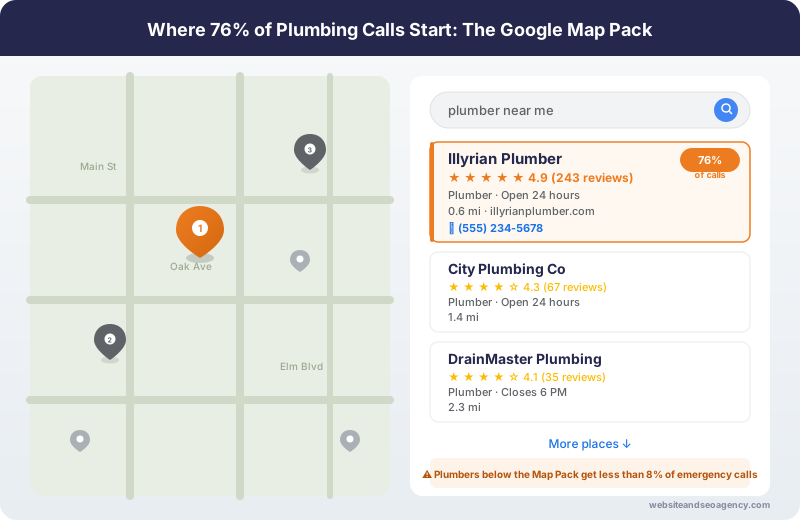
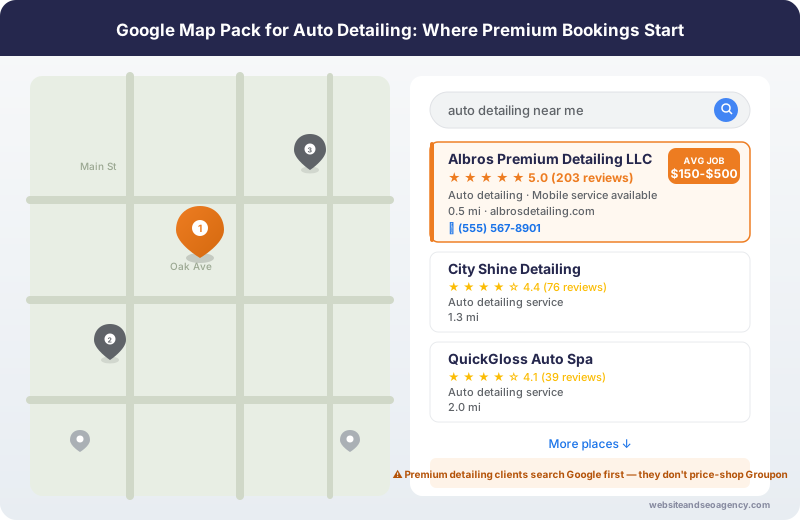
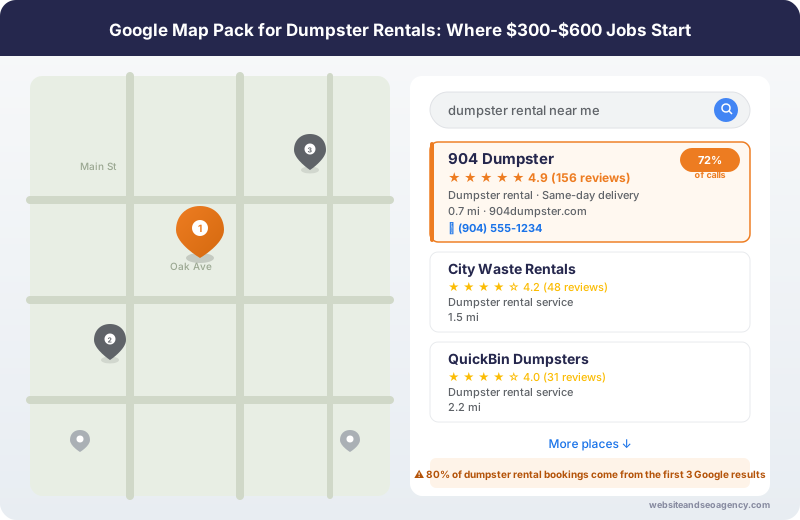
Each of these issues does more than fail to help your ranking, it actively pushes potential customers toward a competitor at the exact moment they were ready to contact you. A customer comparing three businesses in the Map Pack will skip the one with no recent activity, unanswered complaints, or unclear information, every time.
Fixing It
Most of these issues can be fixed in under an hour: update your hours, respond to outstanding reviews, add a handful of recent photos, and confirm your category is correct. The harder, ongoing part is maintaining consistent weekly activity and a steady flow of new reviews, which is where most businesses fall behind without dedicated help.
Want a professional audit of your profile? Get a Free GBP Audit and we will show you exactly what is costing you customers right now and how to fix it. See full pricing and package details for ongoing management, starting at $480/month.
Want Professional Help?
Learn more about our Local SEO Services services and how we can help your business dominate local search results.
Explore Local SEO Services ServicesFrequently Asked Questions
What are the most common Google Business Profile mistakes?
Can a bad Google Business Profile actively hurt my business, not just fail to help?
How often should I update my Google Business Profile?
How do I know if my Map Pack ranking has actually dropped?
About the Author
Web Wise Team
The Web Wise Team has optimized hundreds of Google Business Profiles for local service businesses across the US and UK.